 TritonMeasure
Measure your world
with AR precision.
TritonMeasure is a mobile augmented-reality measuring app for iOS and Android. Measure real-world distances, areas, and full room layouts using your device camera and depth sensors.
What you get
Point-and-measure
Tap to measure real-world distances and areas in augmented reality — straight from your camera, no tape needed.
Room scan
Capture full room layouts and floor plans in a single walkthrough, powered by your device’s depth sensors.
Proof-pack reports
Export polished PDF reports of your measurements — ready to share with clients, contractors, or your own records.
Pro exports
Take your data further with editable SVG plans and CSV measurement tables that slot into the rest of your workflow.
Local-first & private
Projects are stored on your device. No account required — your measurements stay yours.
Built on modern AR
LiDAR + ARKit RoomPlan on supported Apple devices, and ARCore + Depth on supported Android devices.
How it works
1. Point your camera
Open TritonMeasure and aim your device at what you want to measure. The app uses your camera and depth sensors to understand the space around you.
2. Tap to measure
Tap points in augmented reality to capture distances and areas. Build up a measurement, or sweep a full room for a complete layout.
3. Scan a room
Walk a space to capture a full room layout and floor plan — using ARKit RoomPlan on supported Apple devices or ARCore + Depth on Android.
4. Export & share
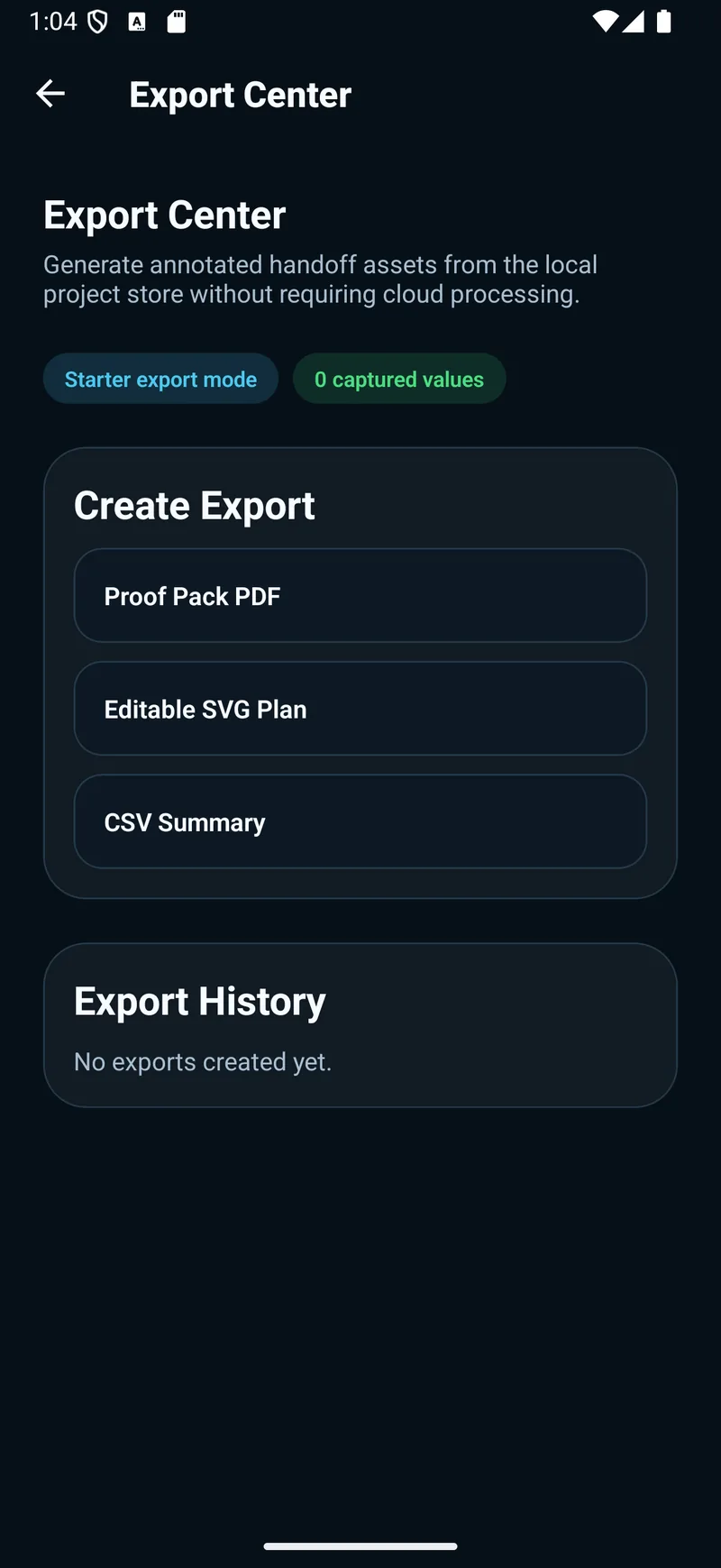
Generate a proof-pack PDF report, or export an editable SVG plan and CSV measurement table for the rest of your workflow.
Made for real projects
From a quick distance check to a full floor plan — TritonMeasure turns your phone into a measuring toolkit.
Distances & areas
Measure a wall, a window, or a room in seconds — tap to tap, in AR.
Floor plans
Capture an entire room layout and walk away with a clean floor plan.
Polished reports
Wrap measurements into proof-pack PDFs and pro presentation templates.
Measurements are AR estimates — verify safety-critical measurements with a physical tool.
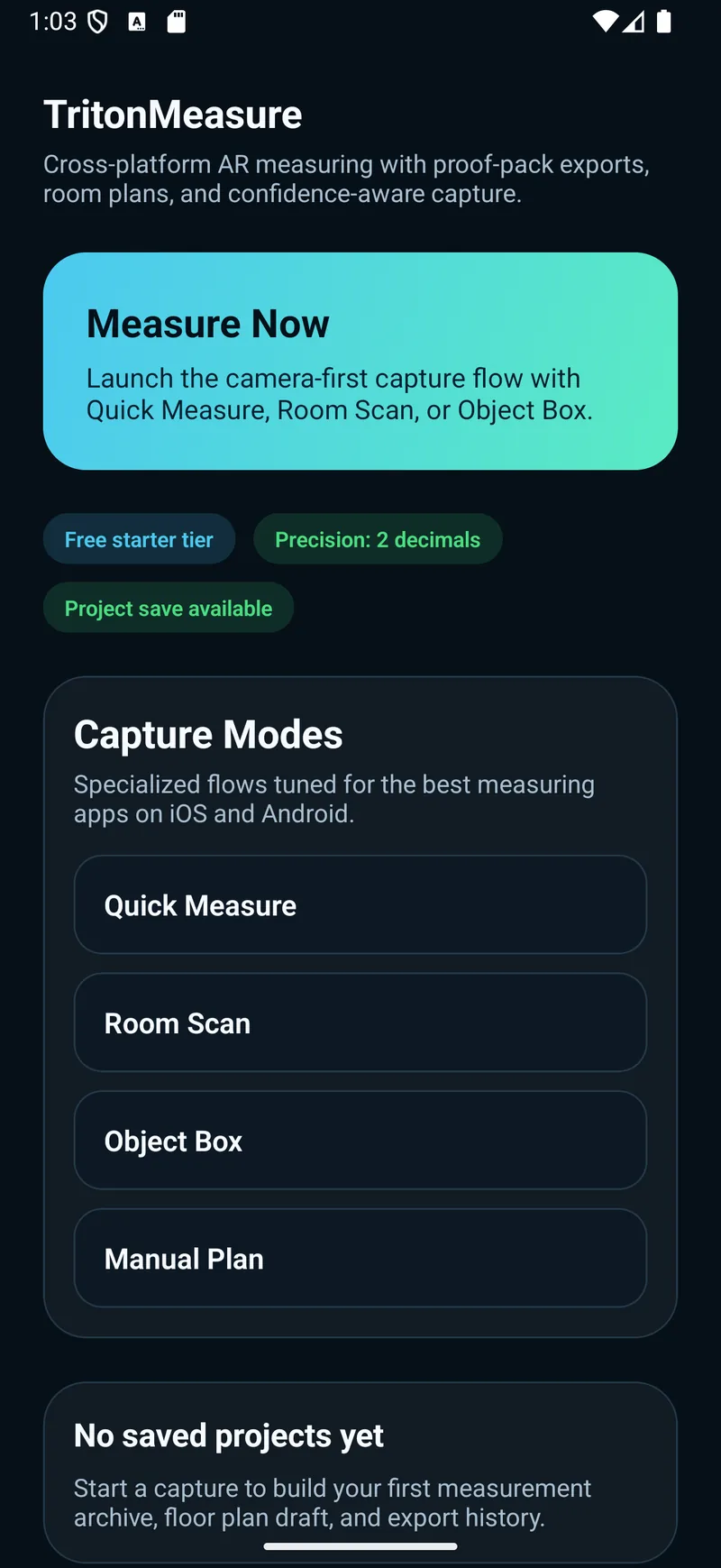
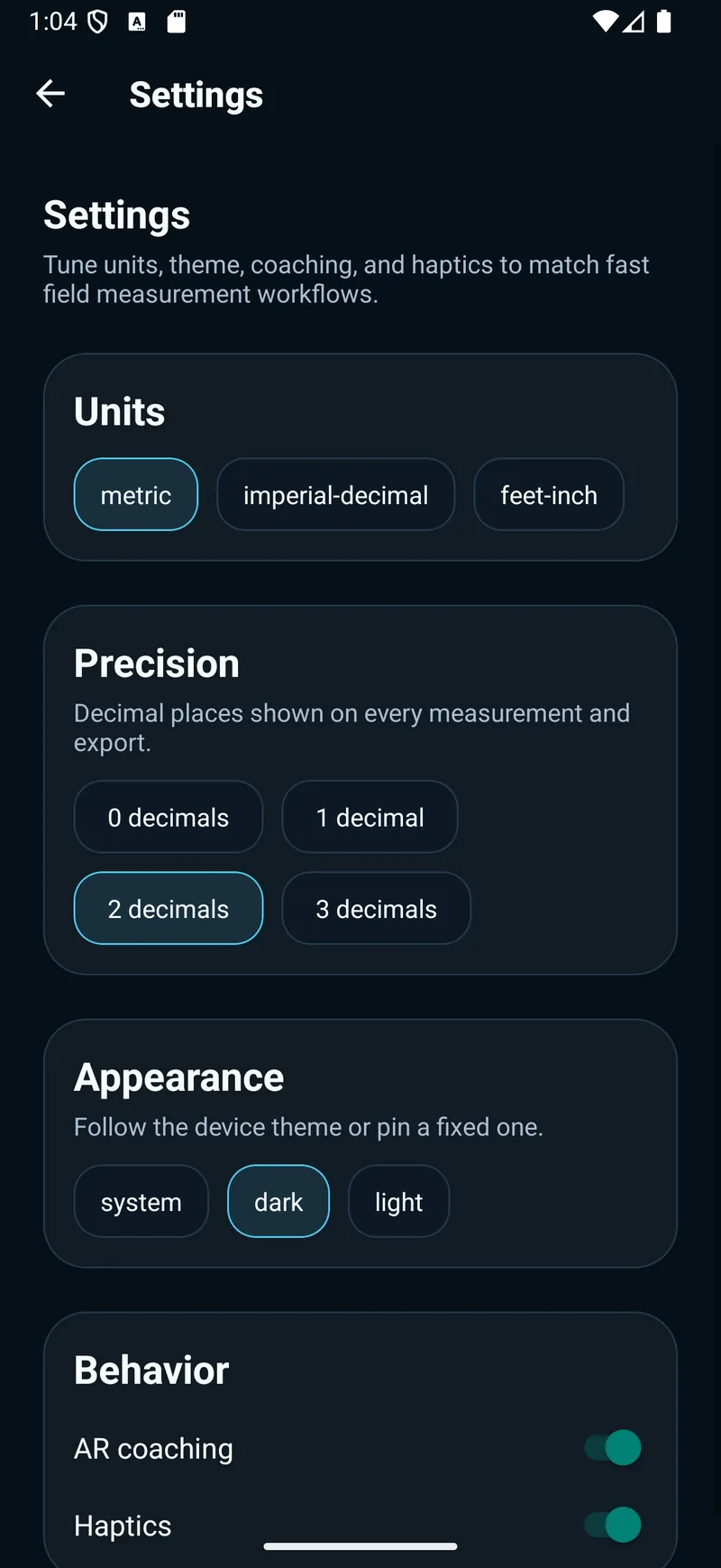
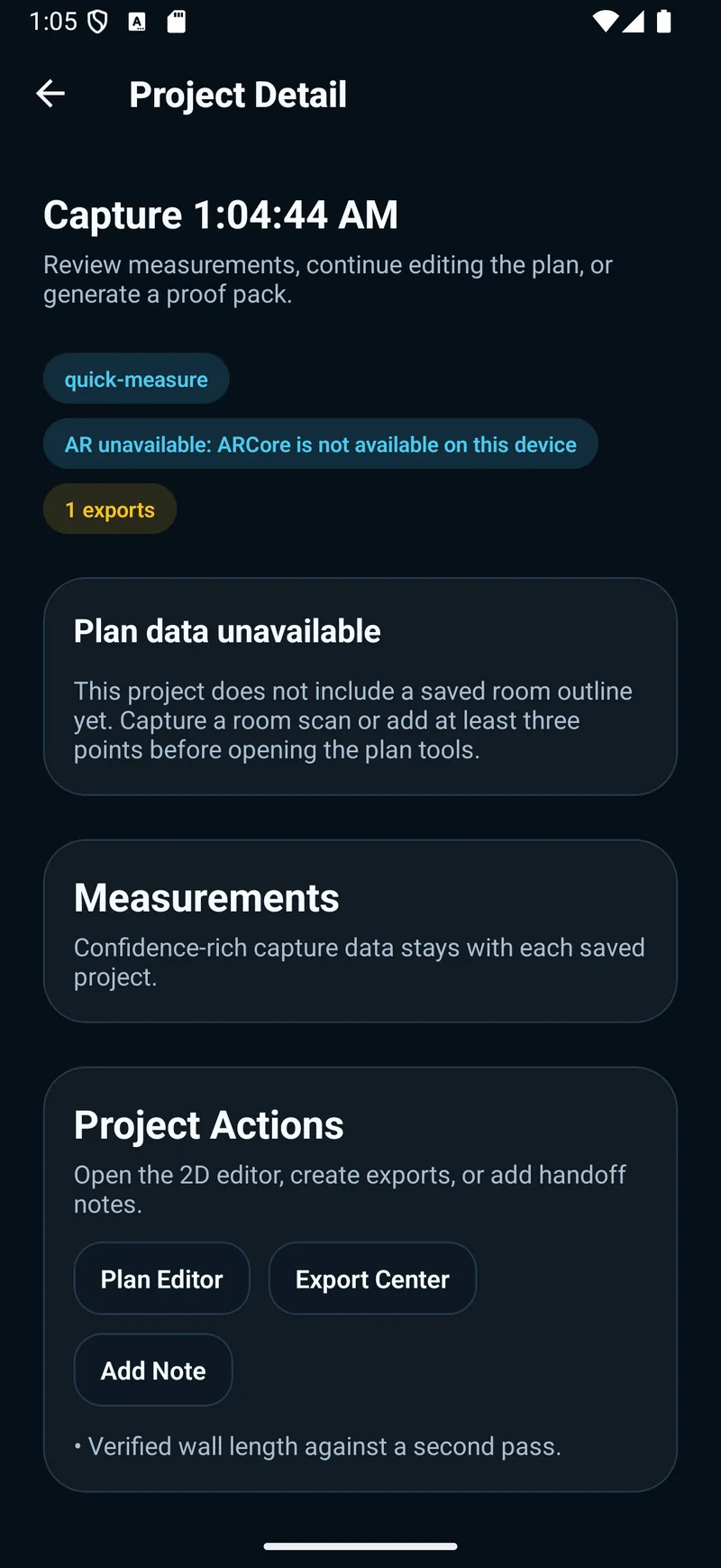
The project workflow
Current app screens from the launch build. AR capture options depend on your device’s supported camera and depth capabilities.
Pricing
Start free with Starter — a limited number of saved projects, no account required.
Upgrade to TritonMeasure Premium (an auto-renewing subscription, available Monthly or Annual) to unlock unlimited projects, proof-pack PDFs, advanced room and floor-plan workflows, full exports, and pro presentation templates.
App Store — not yet available Google Play — not yet available
Public store links will appear here once each listing is verified.